
Phones & Mobile
How to Choose a Power Bank for a Full Travel Day
A practical capacity and portability guide for commuters, flights, and weekends away.

Forty practical, scenario-led guides covering the technology people use at home, at work, on the road, and for play.
A practical capacity and portability guide for commuters, flights, and weekends away.
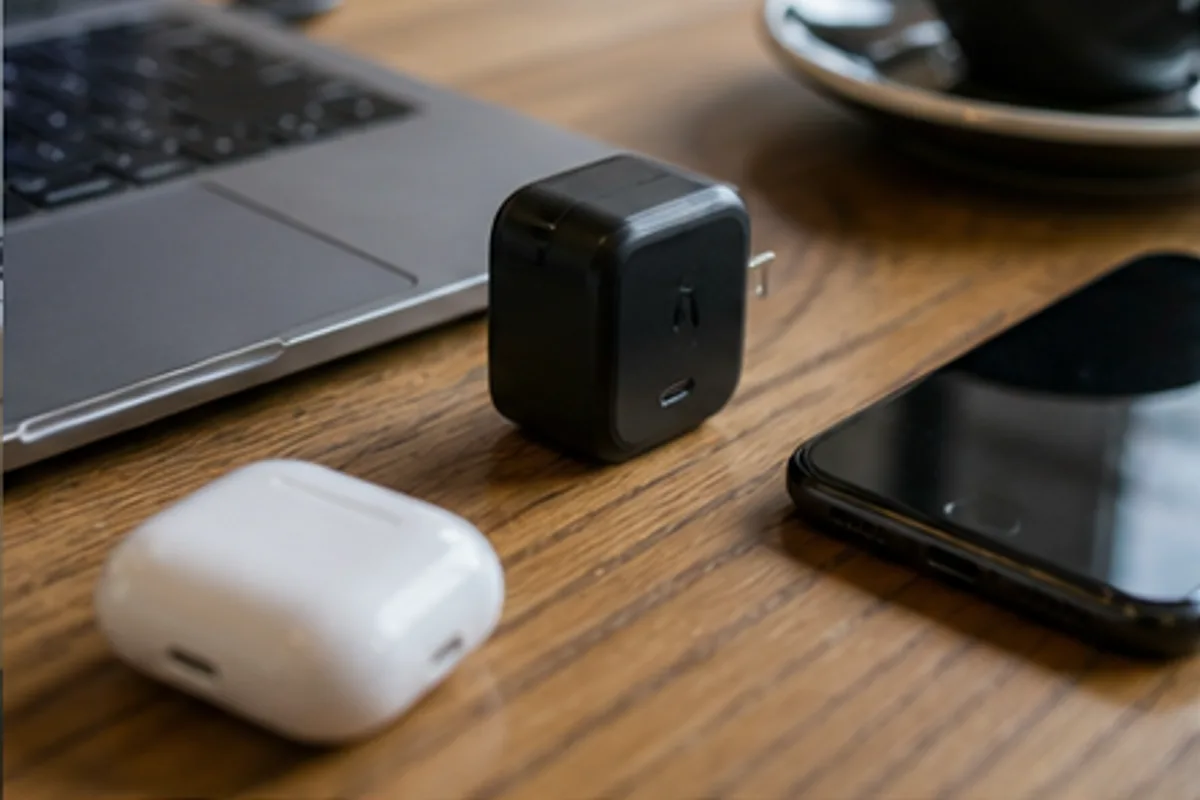
Choose enough ports and power for a phone, tablet, and laptop without carrying a drawer of adapters.

Match protection, grip, and pocket comfort to the drops that actually happen in daily life.
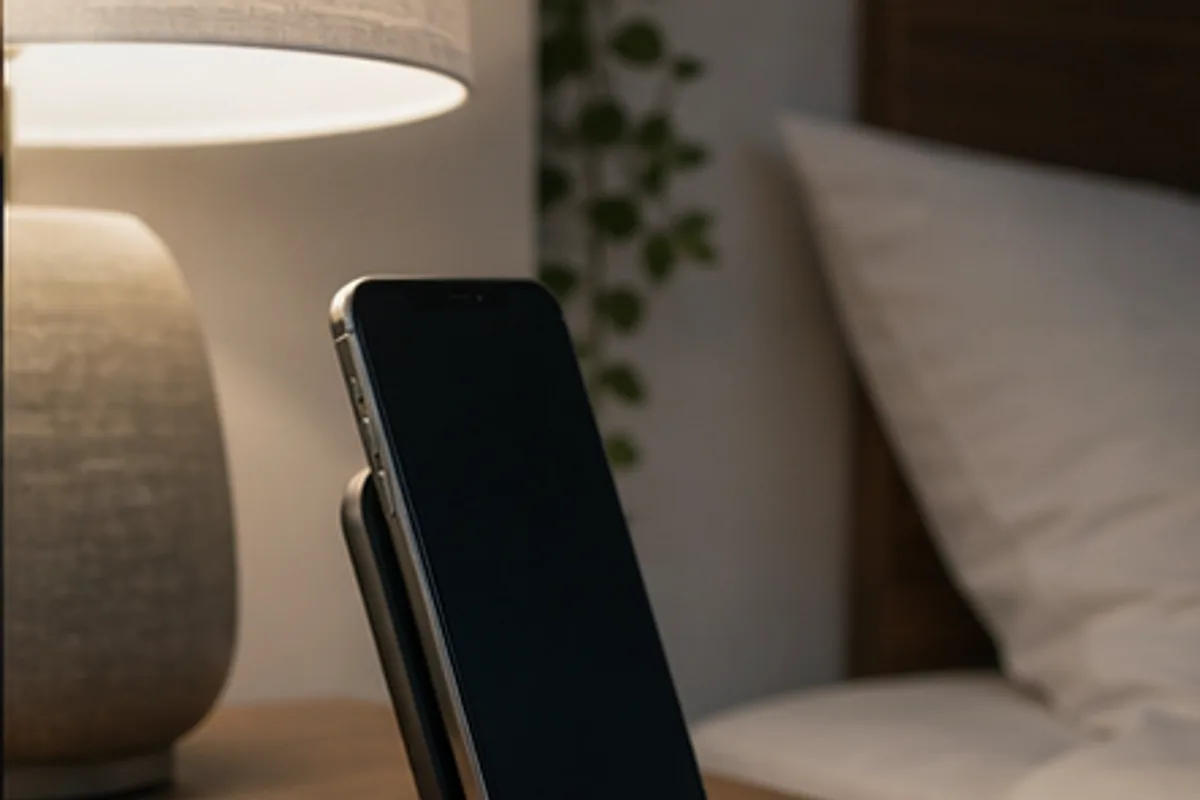
Build a calm overnight charging setup without bright lights, awkward alignment, or excess heat.

Focus on notifications, battery life, comfort, and phone compatibility before chasing long feature lists.

Choose a stable position and mounting method that keeps maps visible without blocking controls or sightlines.

Balance screen size, storage, parental controls, durability, and accessory cost.
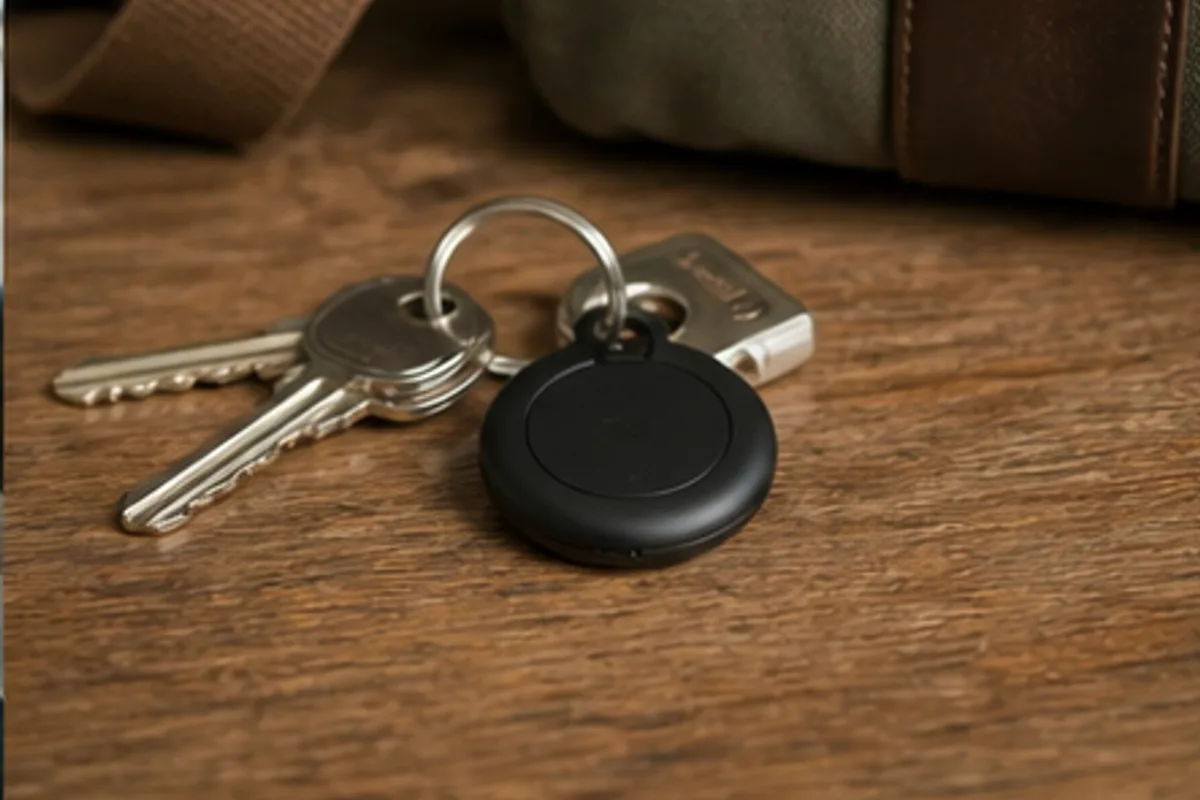
Understand network reach, alerts, batteries, and privacy before attaching a tracker to everything.

Buy for the calls, documents, browser tabs, and occasional travel that define a normal workweek.
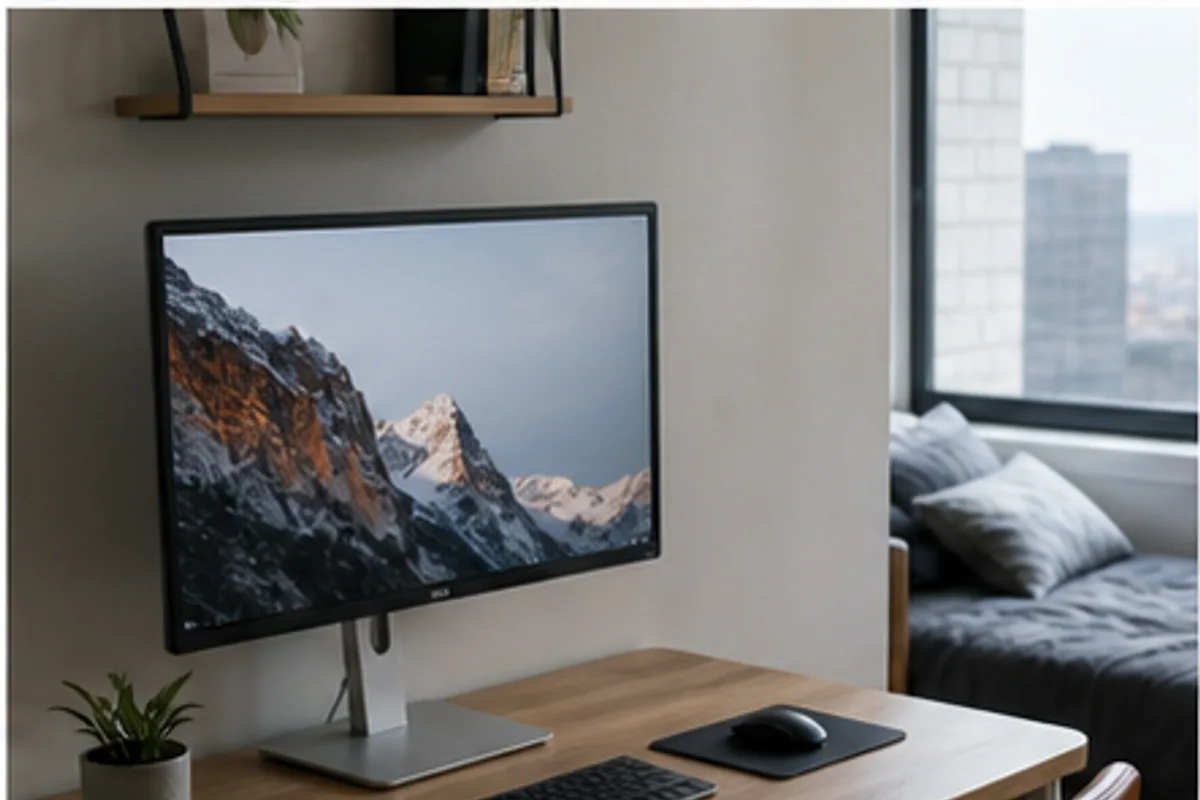
Choose screen size, resolution, stand flexibility, and connectivity without crowding your workspace.

Find a satisfying keyboard that does not turn every call or late-night session into household noise.
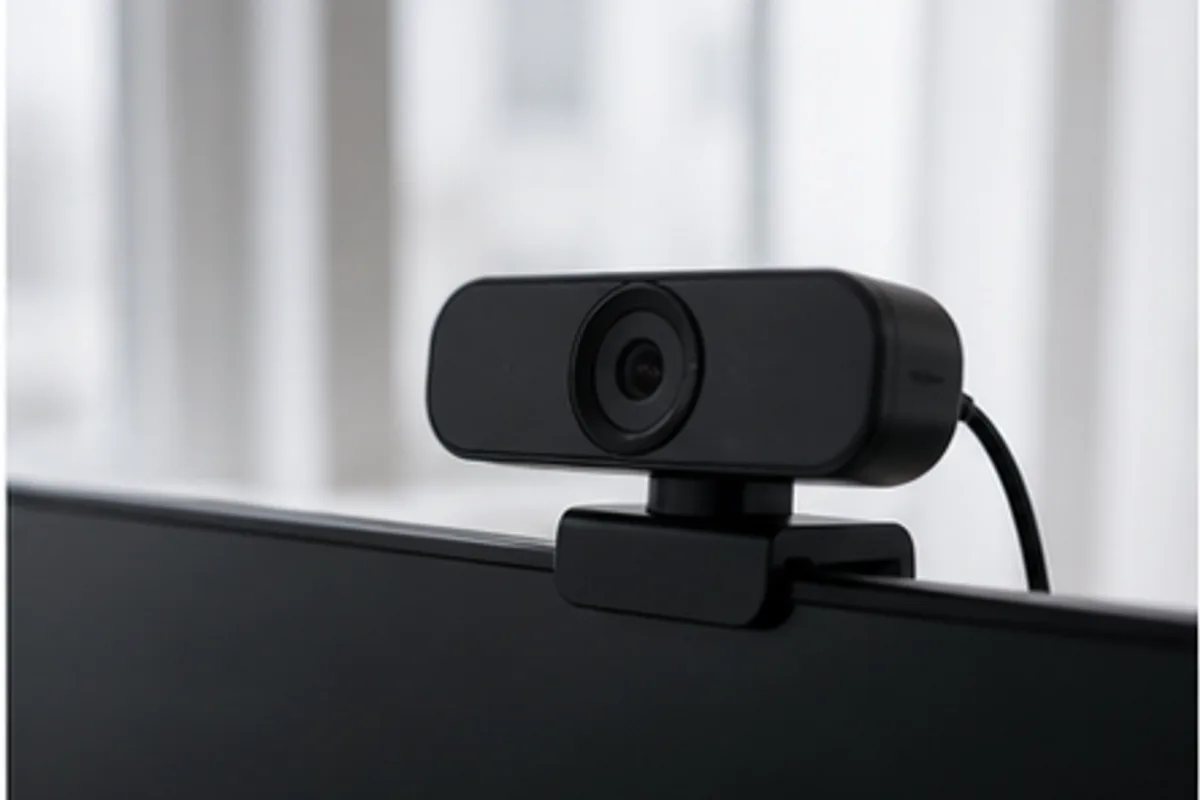
Prioritize exposure, framing, microphones, and mounting before paying for unnecessary resolution.
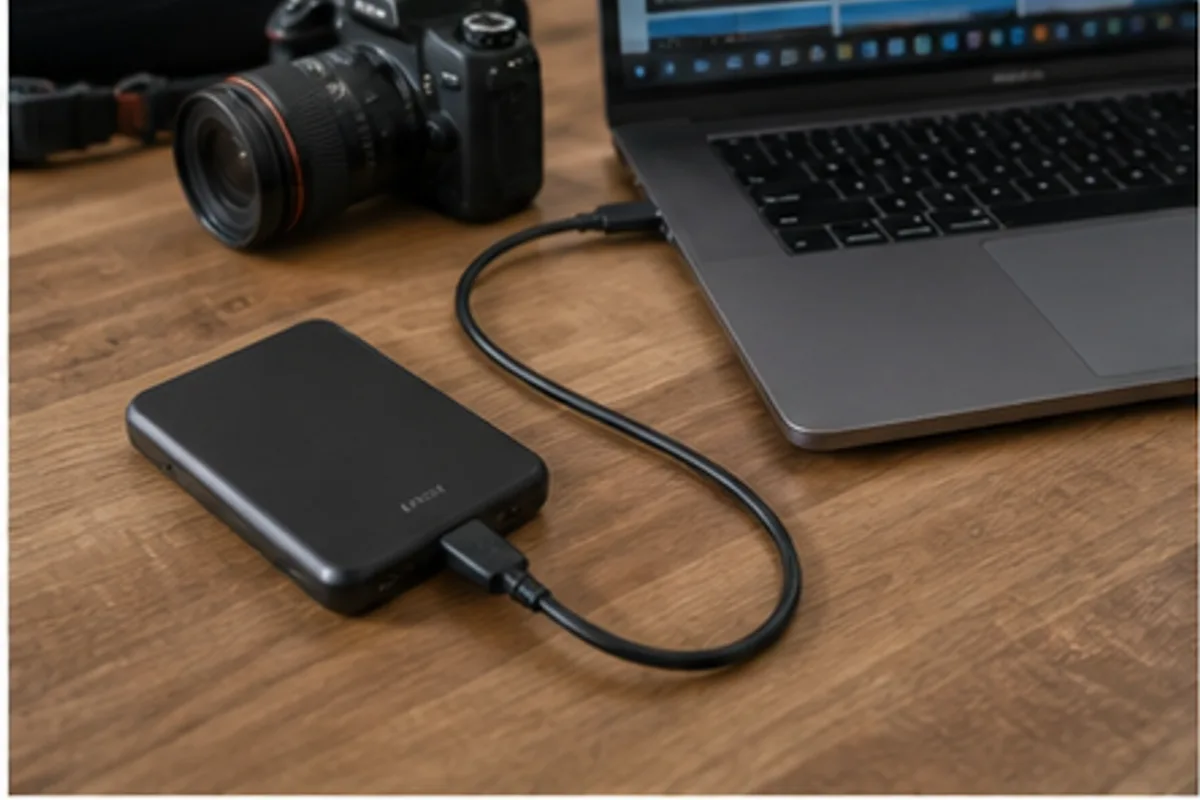
Match capacity, connection speed, durability, and backup habits to the files you cannot afford to lose.
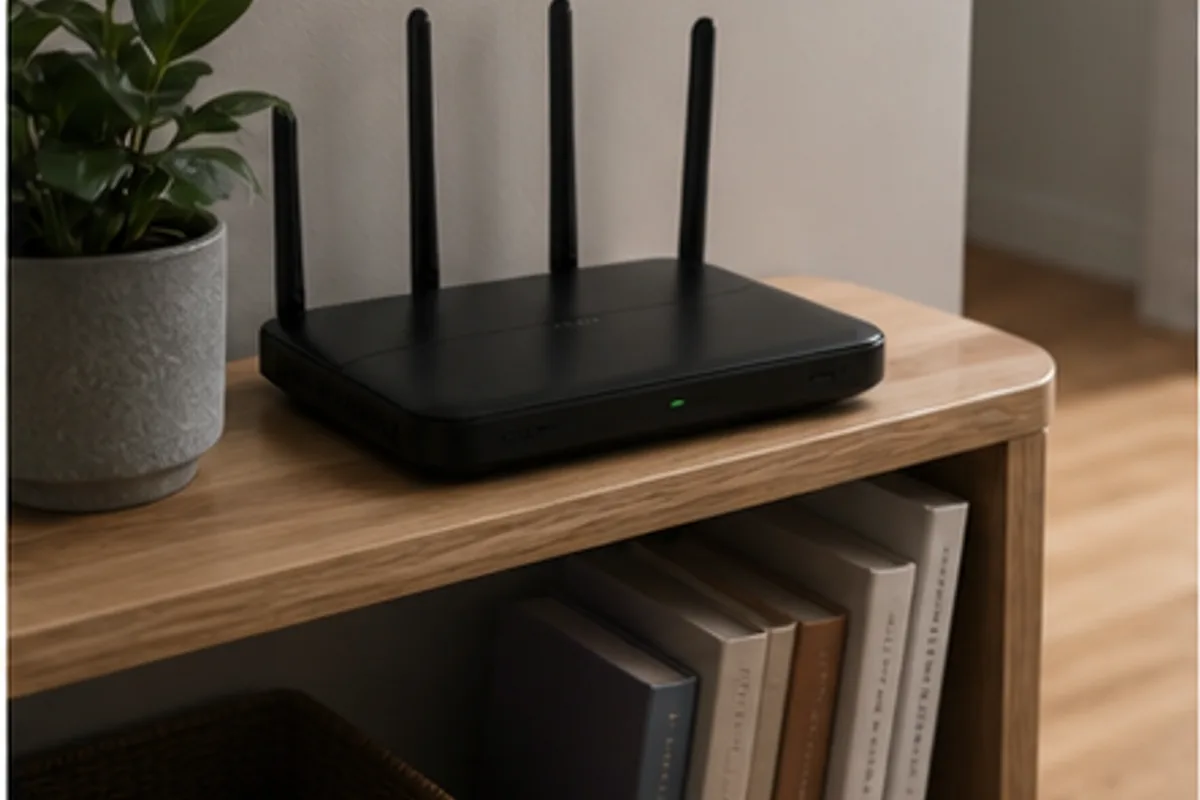
Improve coverage and consistency by considering layout, interference, ports, and setup tools.
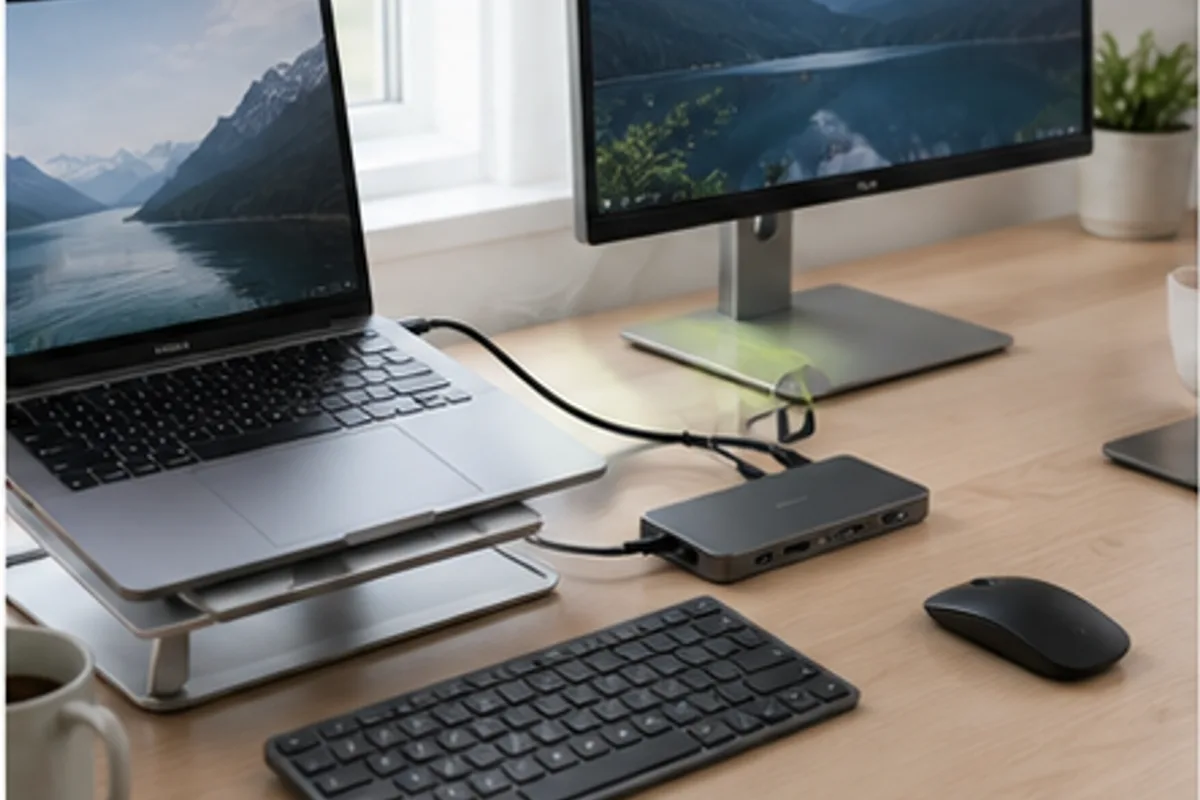
Connect displays, storage, power, and peripherals with fewer cable surprises.
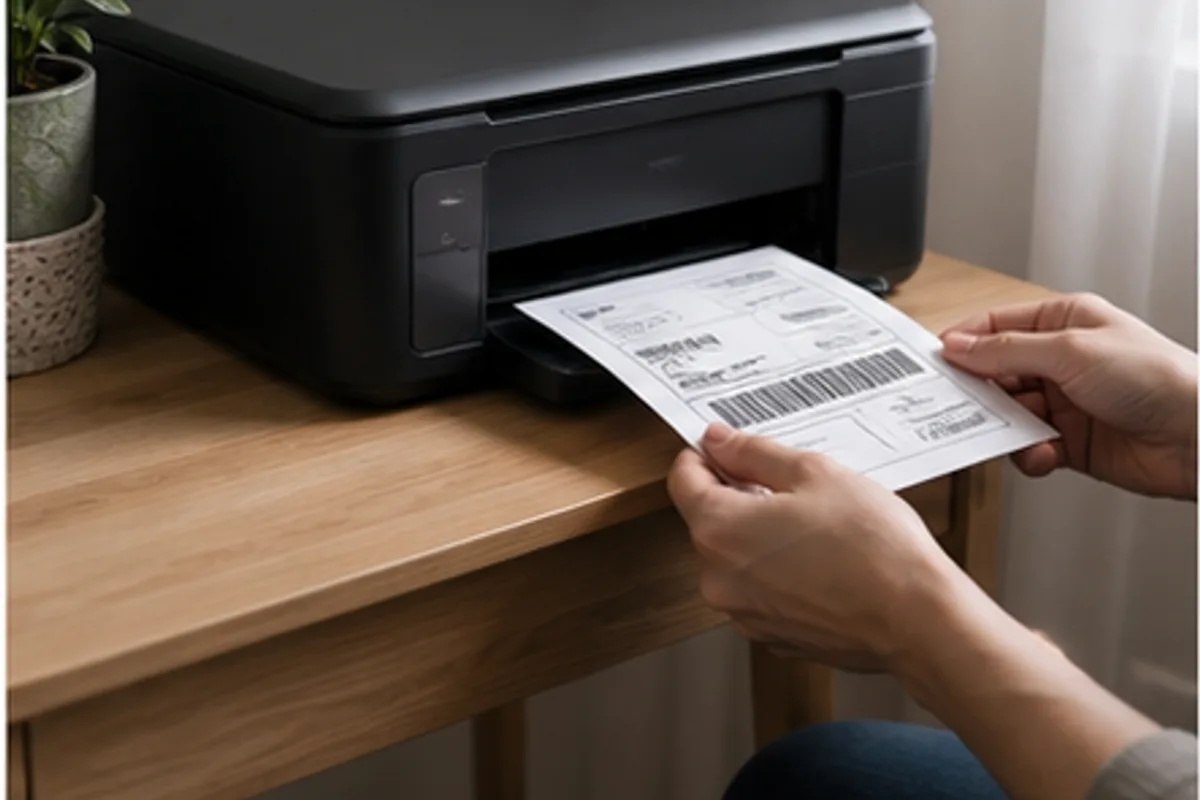
Avoid dried cartridges and high running costs by matching the printer type to actual monthly use.

Choose comfort, isolation, controls, and battery life for trains, buses, and open offices.

Focus on microphone consistency, secure fit, controls, and connection stability.

Find the right balance of volume, water resistance, controls, and easy carrying.
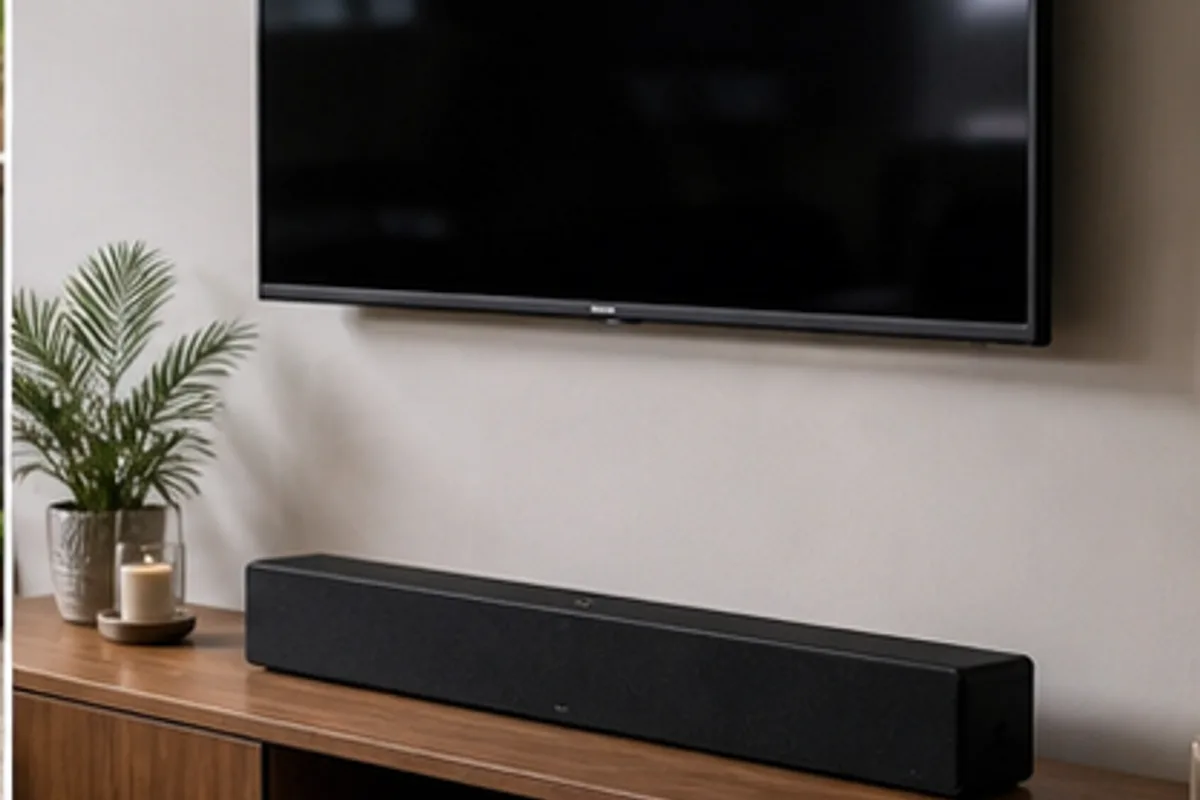
Improve dialogue and everyday television sound without overwhelming the room.

Choose a pickup pattern and desk setup that reduces room noise rather than magnifying it.
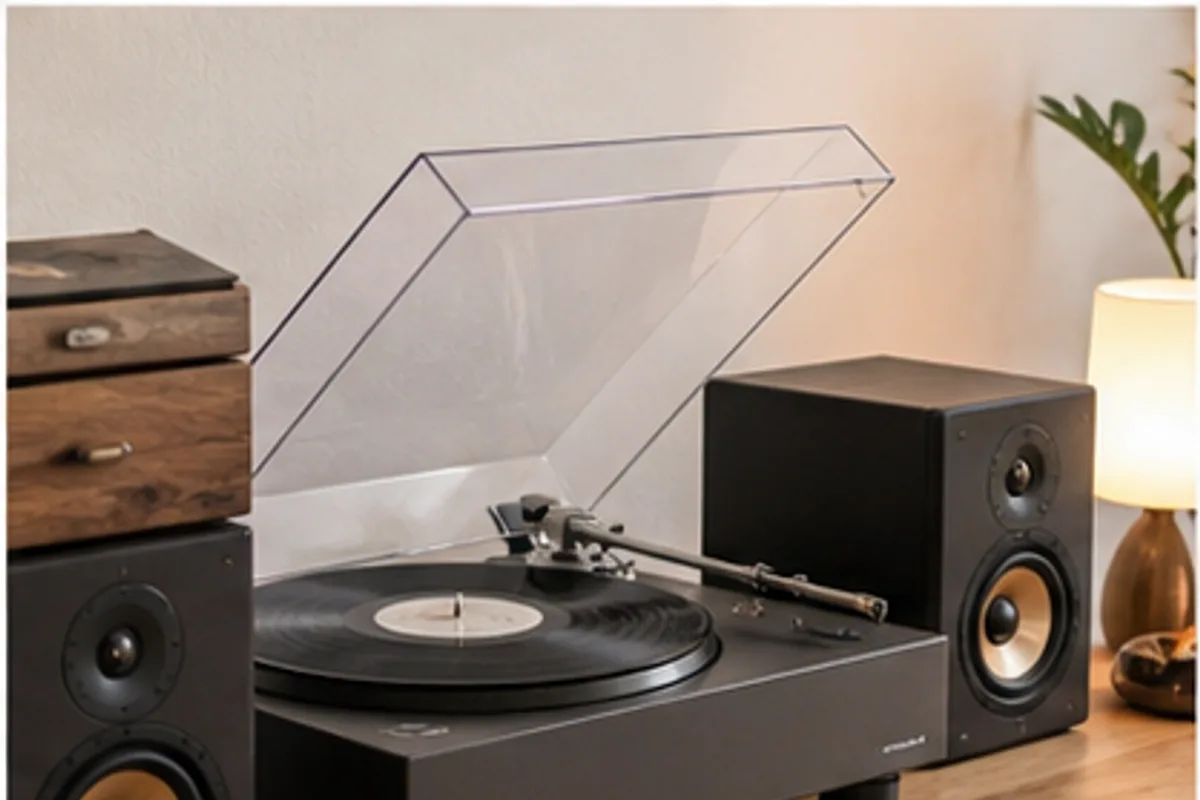
Plan the entire listening chain, including speakers, isolation, space, and record care.
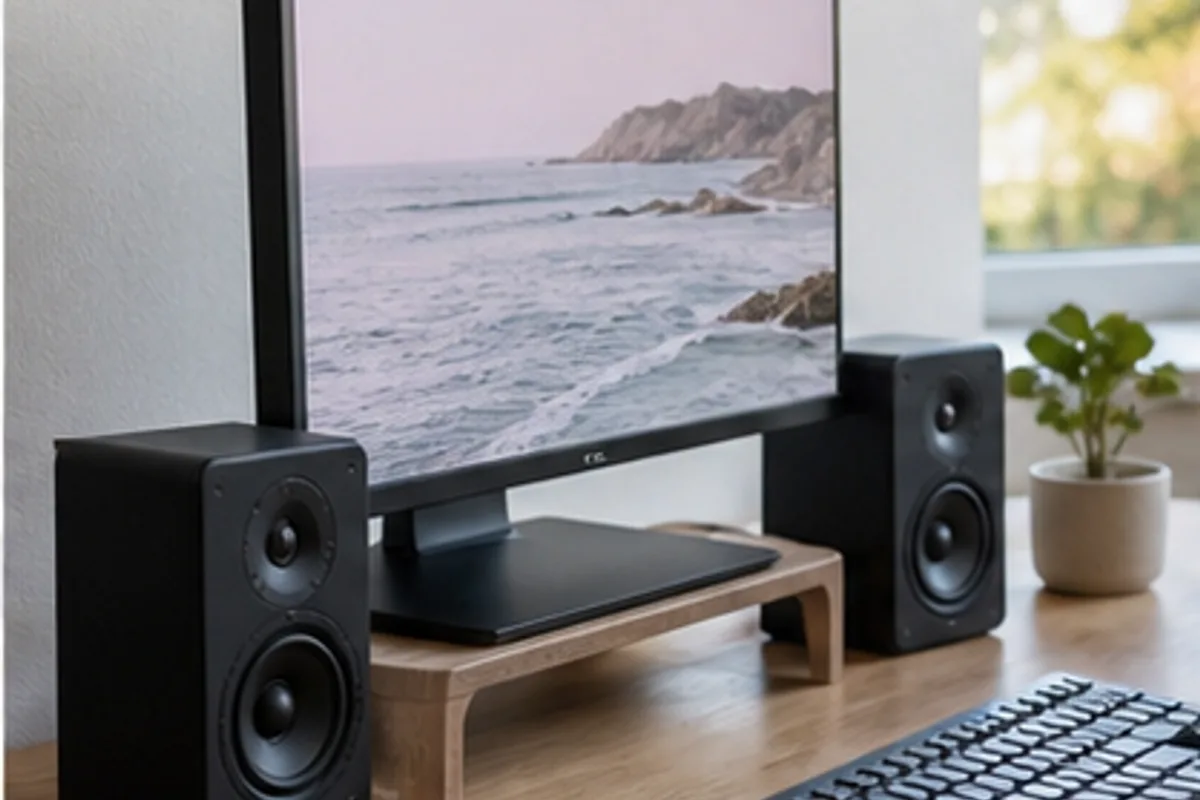
Select a size and connection set that suits near-field listening at modest volumes.

Compare sleep headbands, tiny earbuds, and pillow speakers for side sleeping and shared bedrooms.

Understand mounting, power, subscriptions, privacy, and landlord-friendly installation.
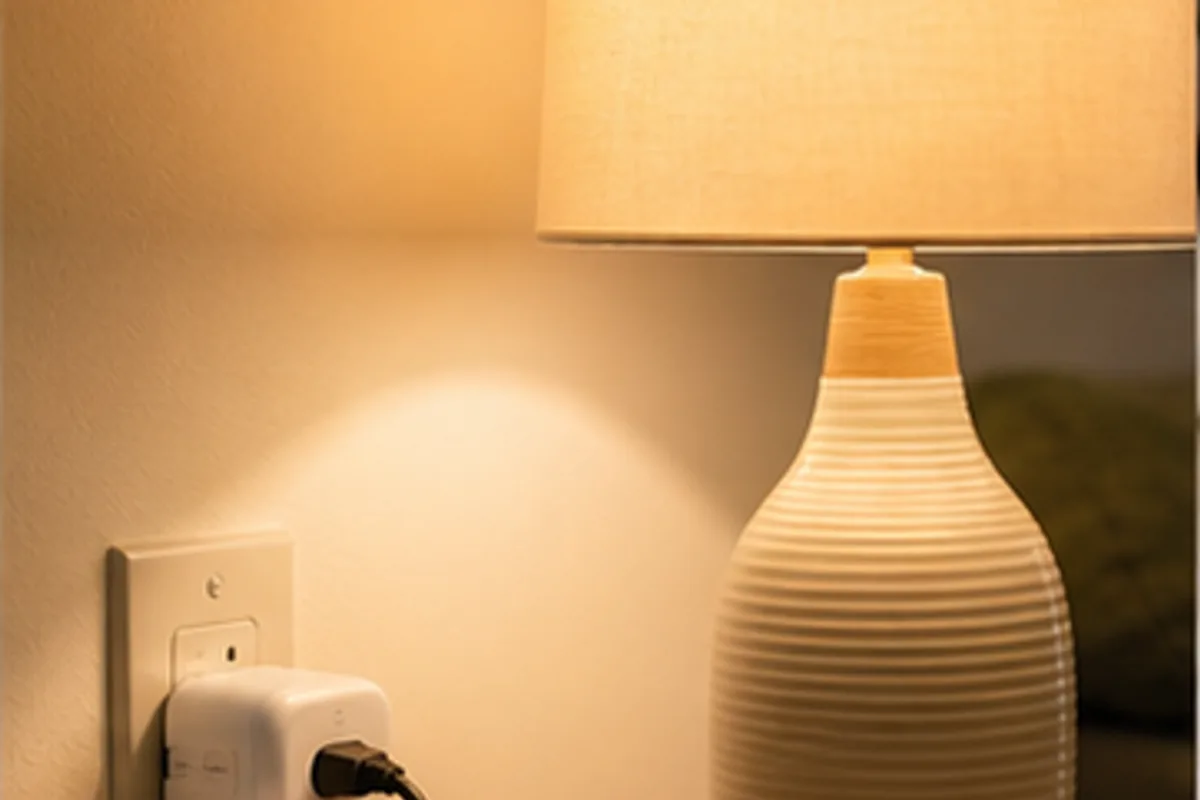
Use automation for lamps, fans, and forgotten devices without making simple tasks complicated.

Match navigation, brush design, maintenance, and obstacle handling to a lived-in floor.
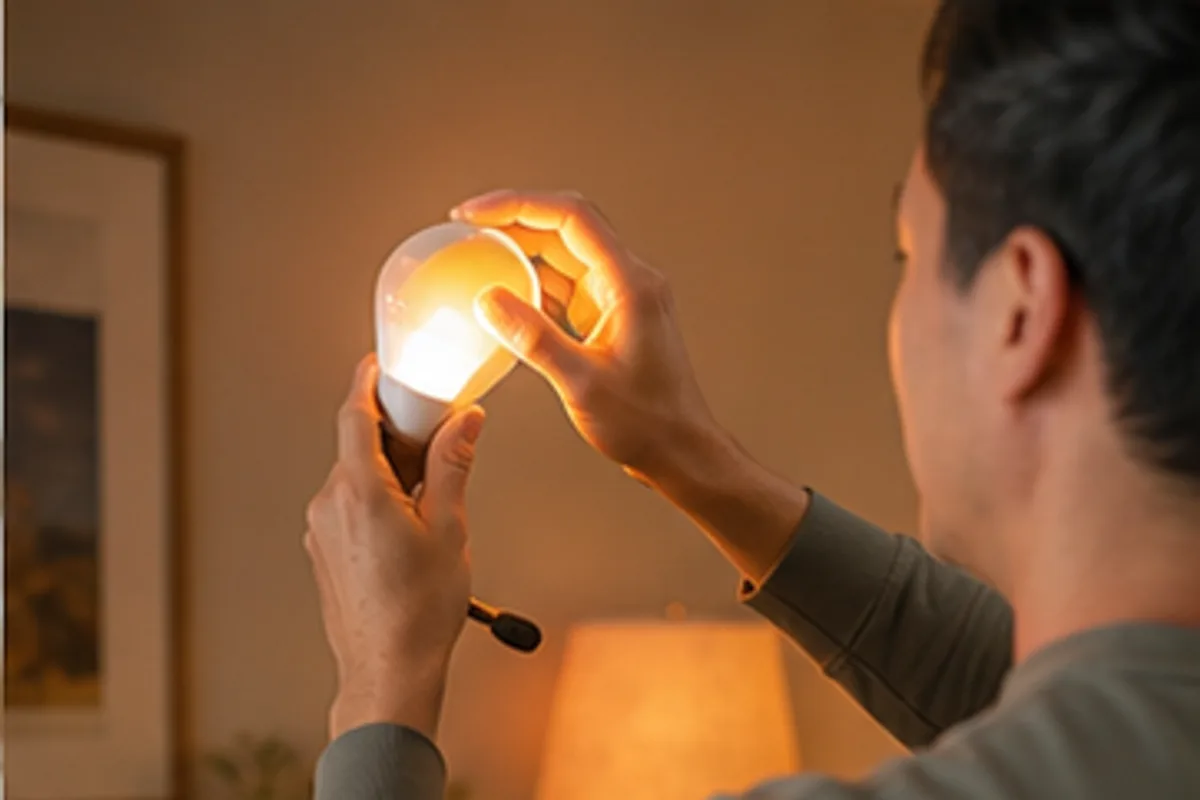
Choose a system that remains useful when voice control or internet access is unavailable.
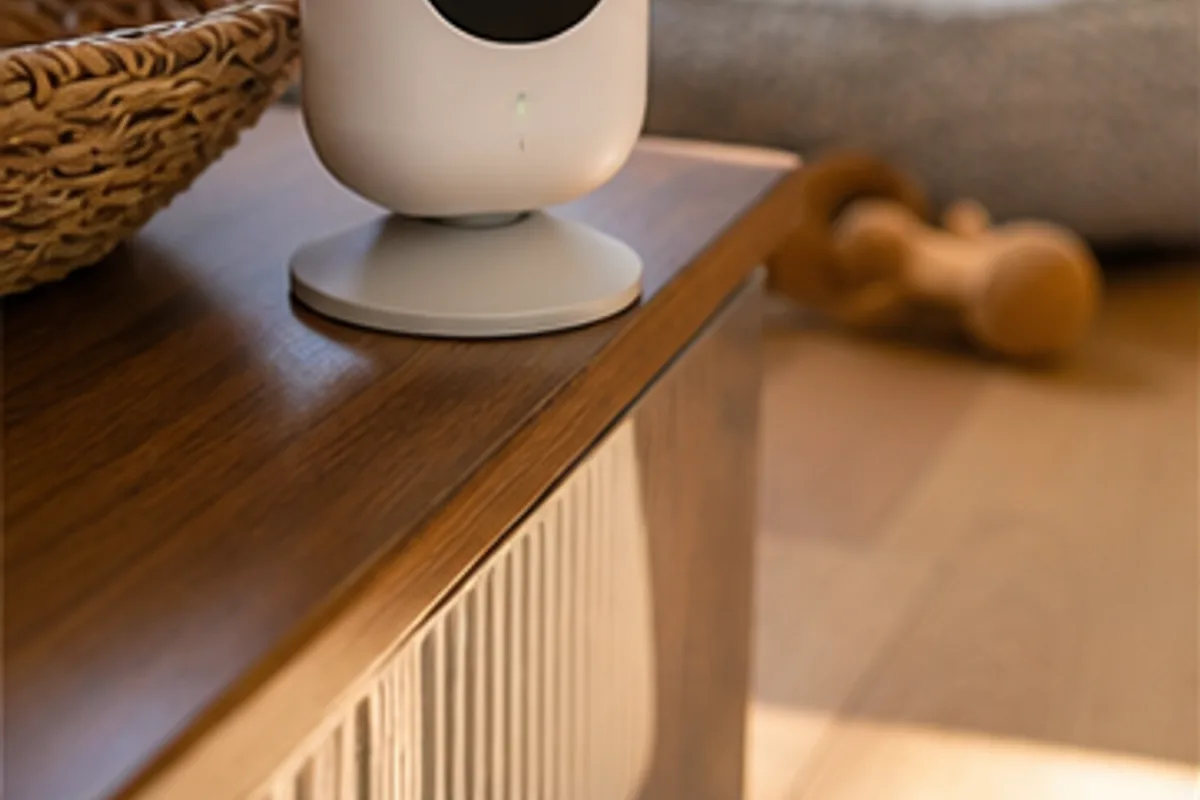
Balance useful alerts and remote check-ins with storage, placement, and household consent.
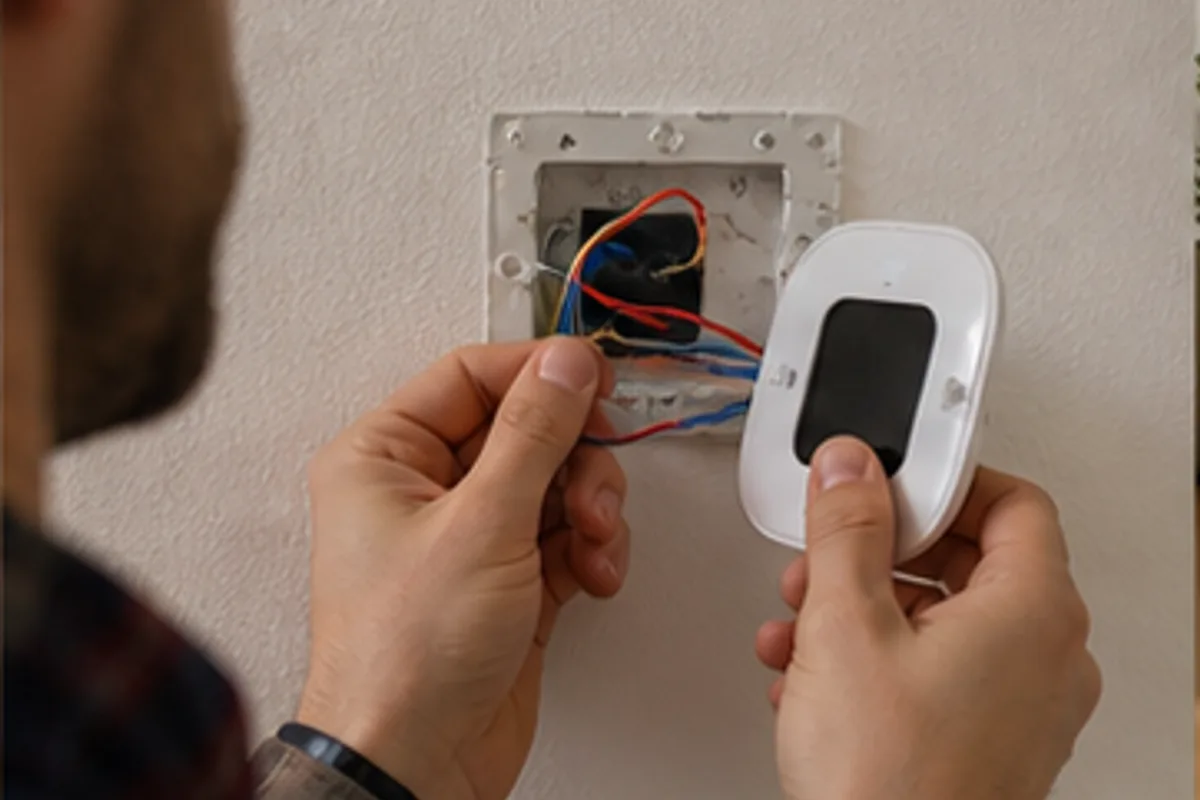
Check wiring, HVAC compatibility, household schedules, and installation support first.

Choose sensors and displays that lead to useful ventilation and filtration decisions.

Plan node placement and wired connections before buying the largest kit.
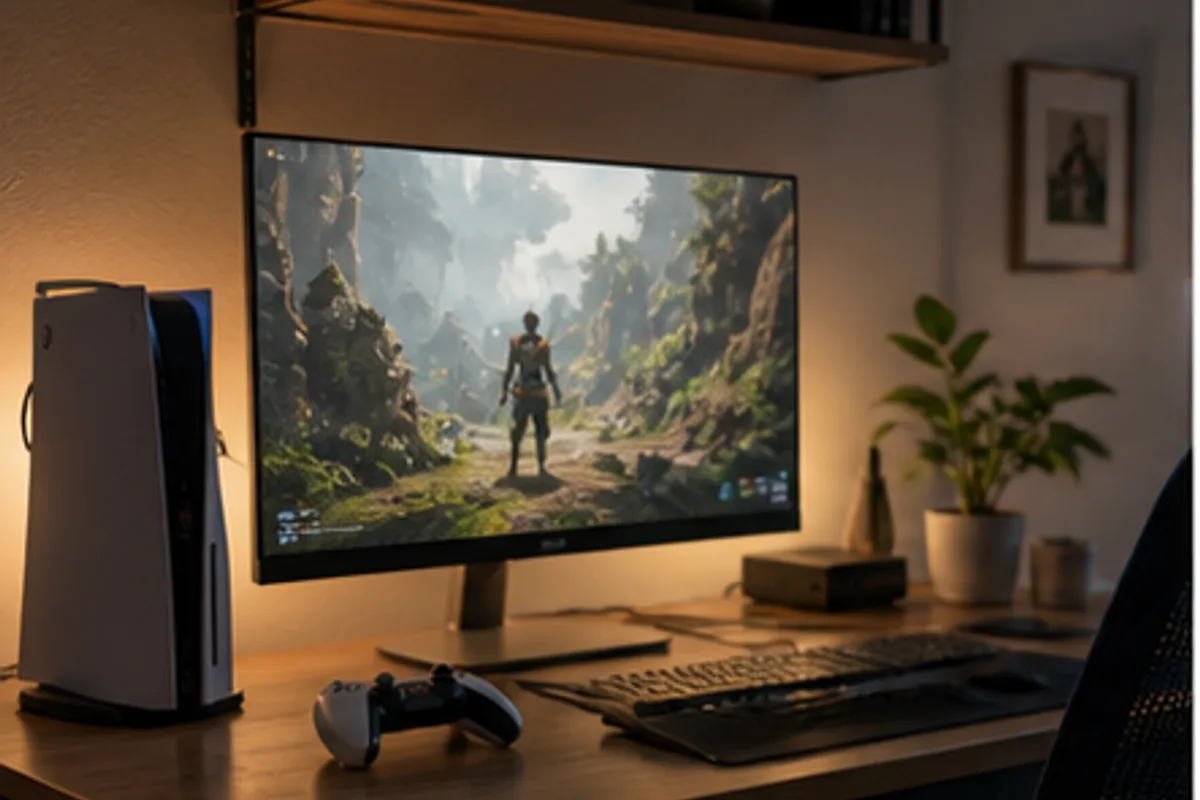
Match resolution, refresh rate, ports, and screen size to both work and evening play.

Prioritize voice clarity, comfort, isolation, and simple platform switching.
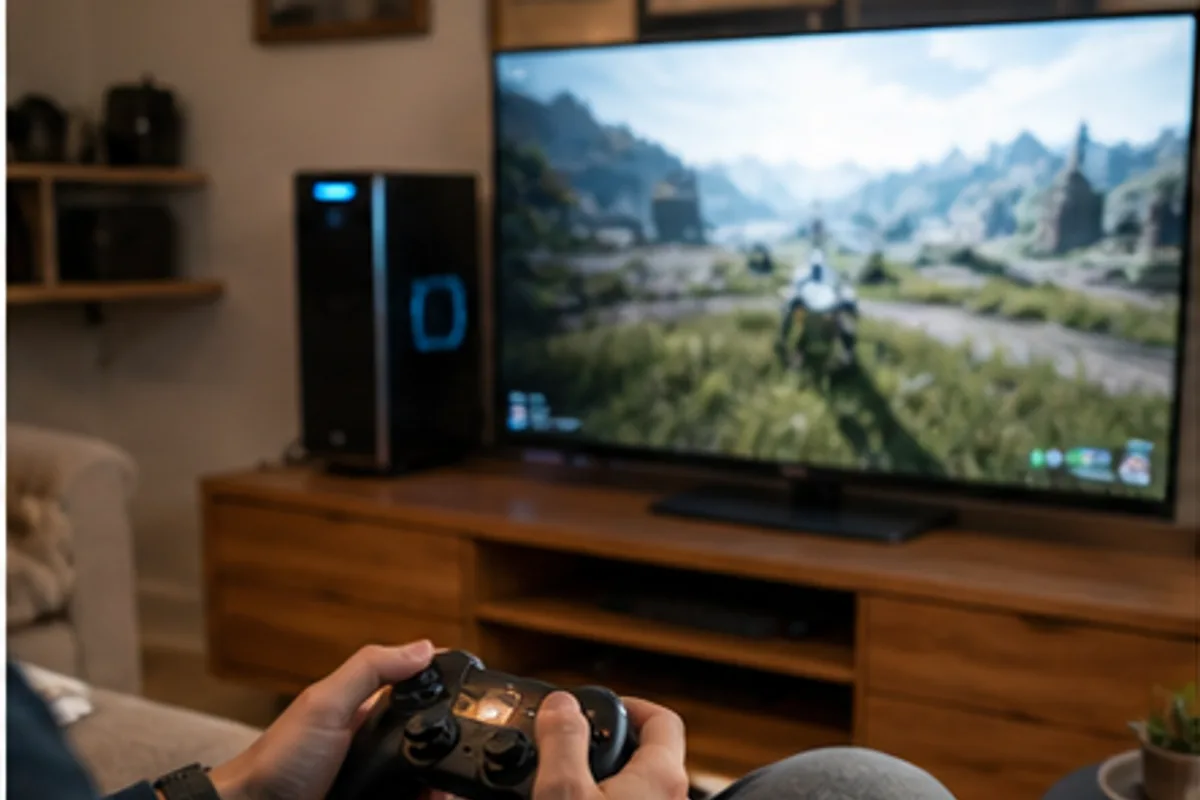
Compare layout, connection modes, battery systems, and game compatibility.
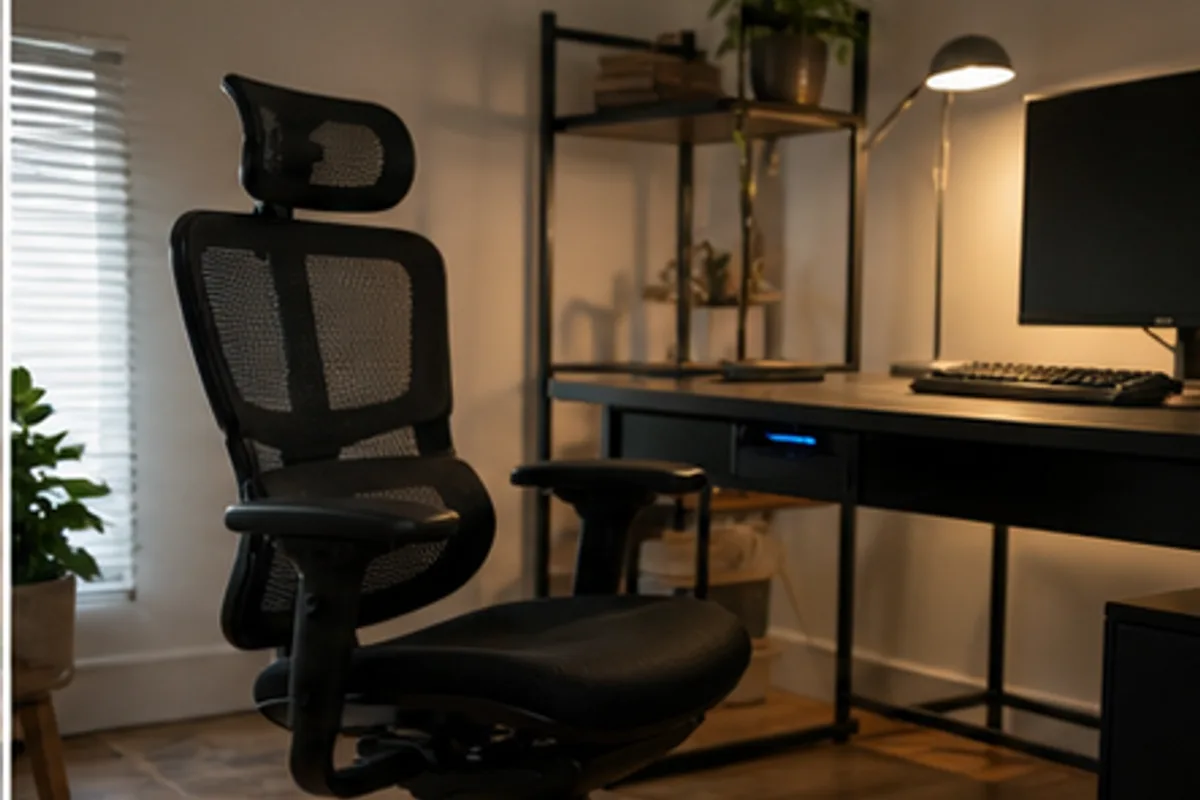
Compare gaming chairs with ergonomic office chairs based on long sessions and everyday desk work.

Choose around game library, battery expectations, weight, storage, and offline use.
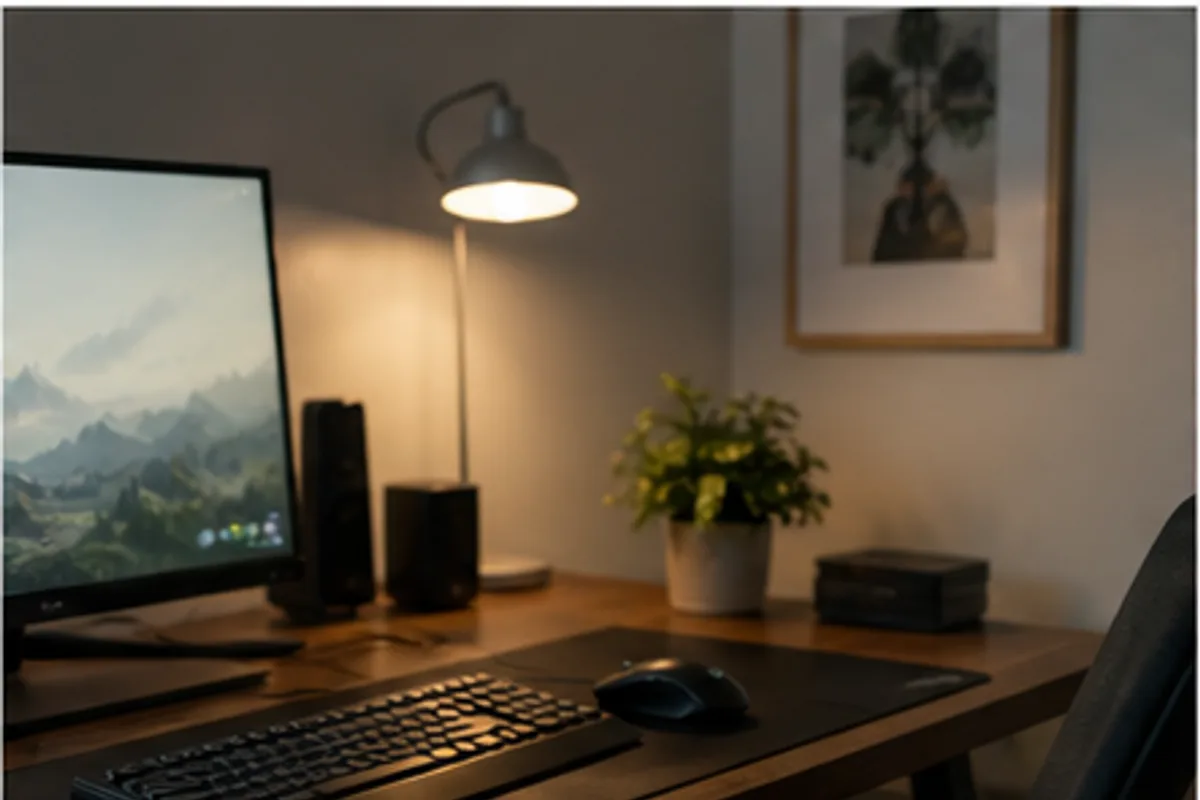
Start with reliable shapes, sensible sensitivity, and useful controls rather than maximum specifications.
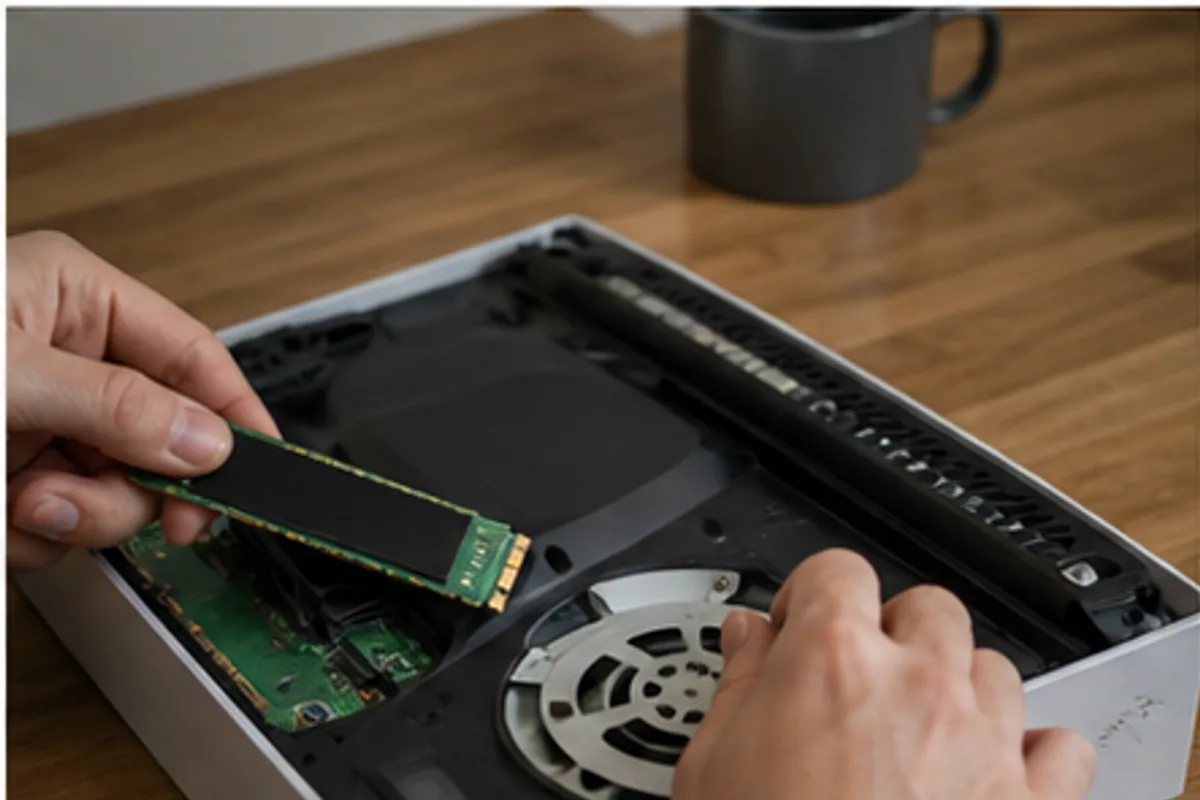
Estimate real game-library needs and understand internal, external, and proprietary options.
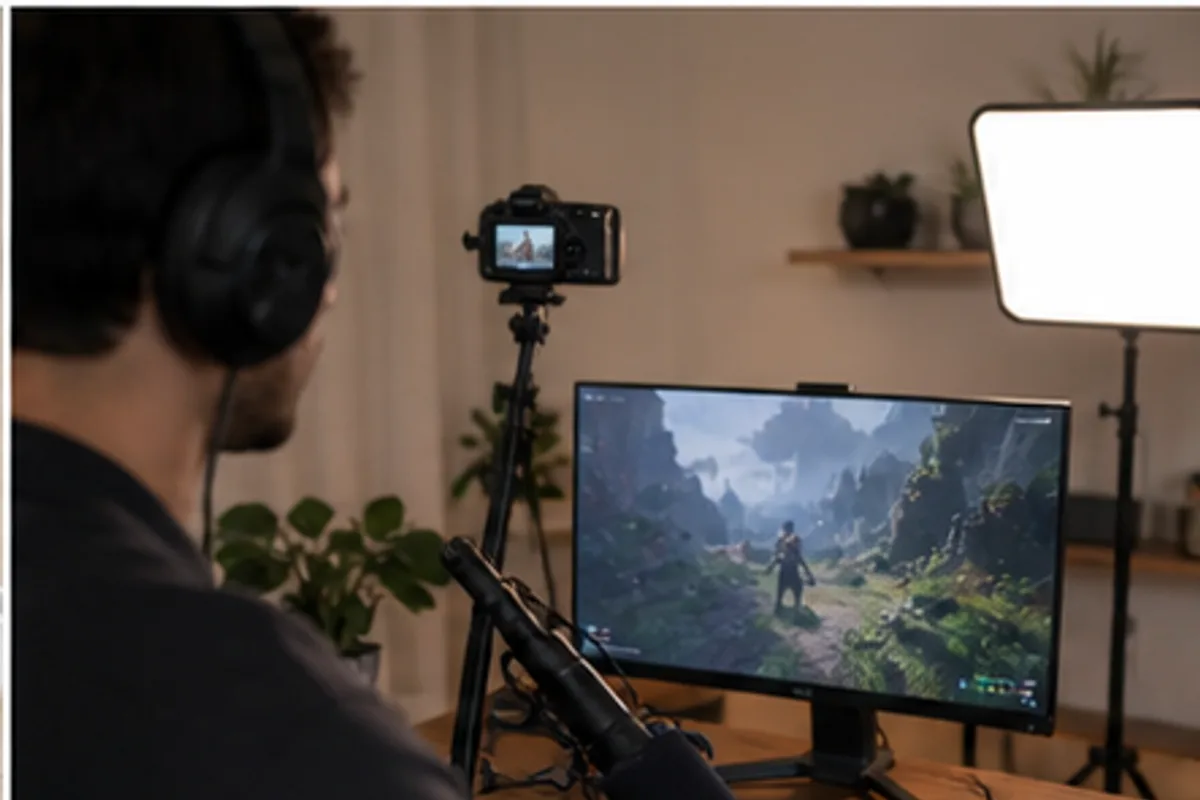
Improve clarity with placement and lighting before spending heavily on production gear.